What Size Privacy Screen Fits a 24 Inch Monitor?
Last updated: October 2026
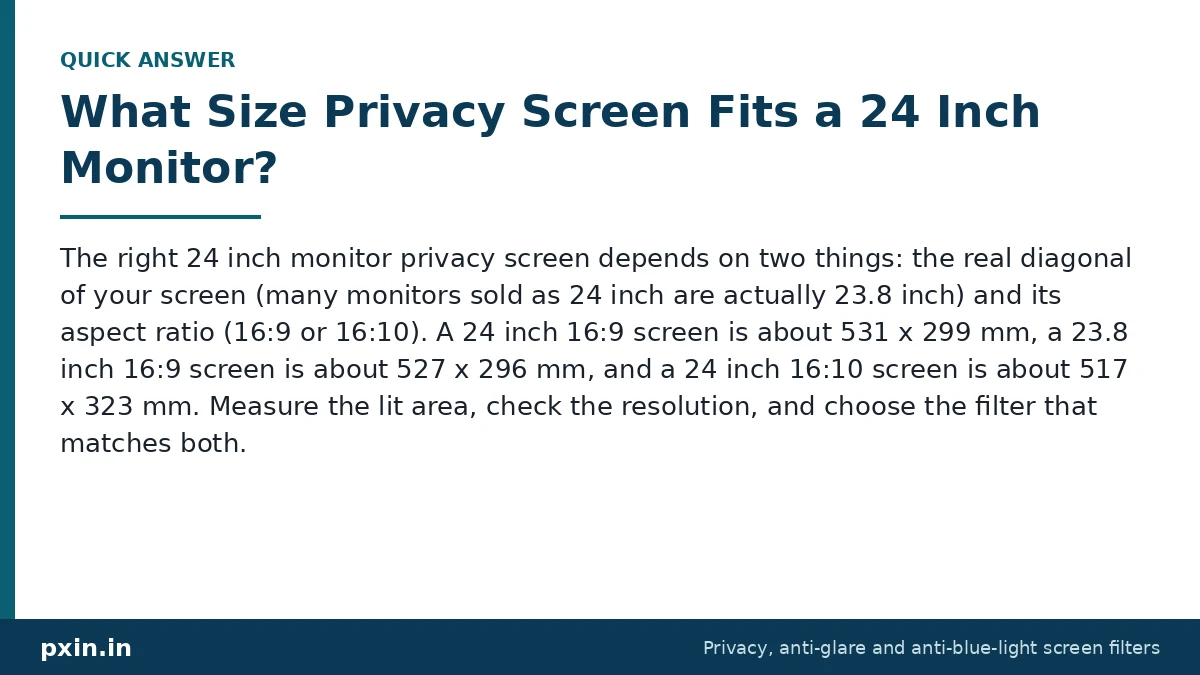
Quick answer: The right 24 inch monitor privacy screen depends on two things: the real diagonal of your screen (many monitors sold as 24 inch are actually 23.8 inch) and its aspect ratio (16:9 or 16:10). A 24 inch 16:9 screen is about 531 x 299 mm, a 23.8 inch 16:9 screen is about 527 x 296 mm, and a 24 inch 16:10 screen is about 517 x 323 mm. Measure the lit area, check the resolution, and choose the filter that matches both.
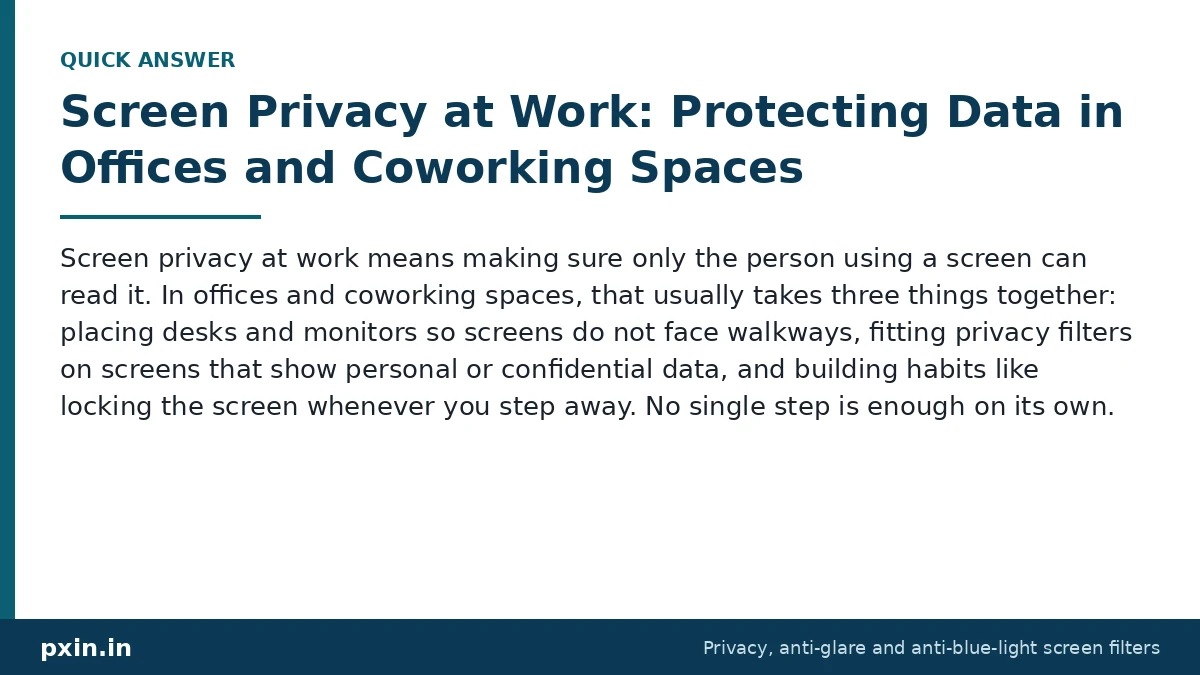
The 24 inch monitor is a very common office screen, and customers often ask us which filter fits it. It is also the size where small differences in the label cause the most confusion. Here is how to get it right the first time.
Why "24 inch" is not one size
Monitor makers round the screen size in their product names. A very large number of monitors marketed as 24 inch have a viewable diagonal of 23.8 inches. The model specification sheet or the box usually shows the exact figure, often in both inches and centimetres (23.8 inches is about 60.5 cm).
On top of that, 24 inch monitors come in two common shapes:
- 16:9, usually with a resolution of 1920 x 1080 or 2560 x 1440. This is the most common office monitor.
- 16:10, usually 1920 x 1200. This shape is taller and is popular with people who work on documents and spreadsheets.
A privacy filter is cut to the active area of the screen, the part that lights up. So you need the filter that matches your exact diagonal and shape, not just the number on the box.
24 inch monitor privacy screen size chart
These active area sizes are calculated from the diagonal and aspect ratio and rounded to the nearest millimetre.
| Monitor | Aspect ratio | Typical resolution | Width (mm) | Height (mm) |
|---|---|---|---|---|
| 23.8 inch | 16:9 | 1920 x 1080 or 2560 x 1440 | 527 | 296 |
| 24 inch | 16:9 | 1920 x 1080 or 2560 x 1440 | 531 | 299 |
| 24 inch | 16:10 | 1920 x 1200 | 517 | 323 |
| 21.5 inch (for comparison) | 16:9 | 1920 x 1080 | 476 | 268 |
| 27 inch (for comparison) | 16:9 | 2560 x 1440 | 598 | 336 |
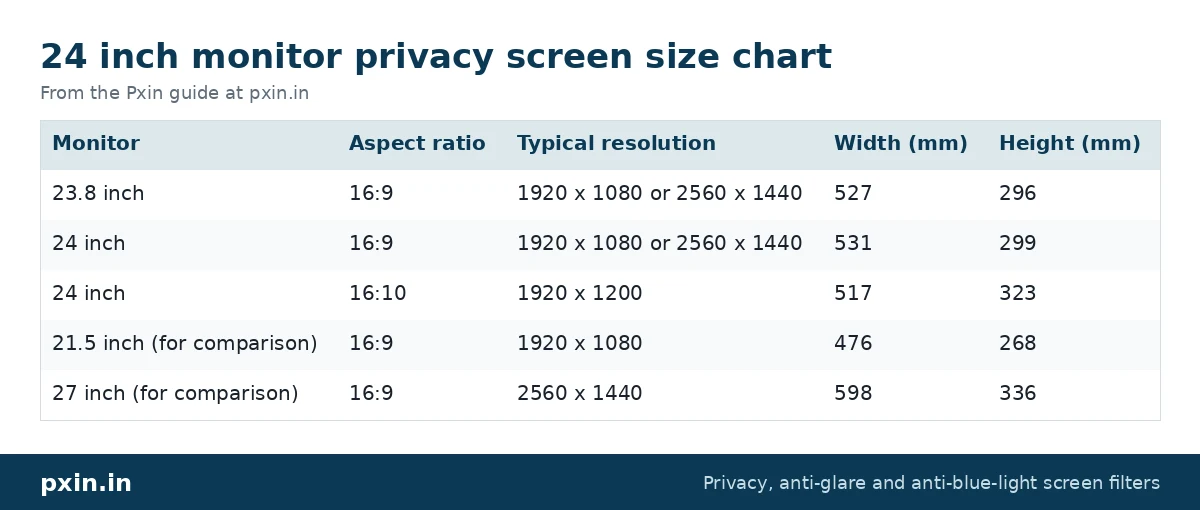
Two things stand out. First, 23.8 inch and 24 inch 16:9 screens differ by only a few millimetres, so it is worth checking the product page dimensions carefully against your measurement rather than guessing. Second, a 24 inch 16:10 screen is about 24 mm taller than a 16:9 one, so a 16:9 filter will leave a clear strip uncovered on a 16:10 monitor. We cover the same issue for laptops in 16:9 vs 16:10 privacy screens.
How to measure your monitor for a privacy filter
You need a measuring tape with centimetre or millimetre marks.
- Open a white page full screen. This shows exactly where the lit area ends.
- Measure the width of the lit area only. Do not include the plastic border (bezel). Many modern monitors have a thin black band inside the frame that does not light up. Leave that out too.
- Measure the height of the lit area.
- Divide width by height. About 1.78 means 16:9. About 1.6 means 16:10.
- Confirm with the label. The sticker on the back of the monitor shows the model number. Searching it on the maker's website gives the exact diagonal and resolution. On Windows, Settings, then System, then Display, then Advanced display also shows the monitor's name and resolution.
If your measurement is close to 527 x 296 mm, you have a 23.8 inch 16:9 panel. Close to 531 x 299 mm means 24 inch 16:9. Close to 517 x 323 mm means 24 inch 16:10.
Which filter matches which 24 inch monitor?
Once you know your numbers, matching is straightforward:
- 23.8 inch, 16:9: see the 23.8 inch monitor privacy filter.
- 24 inch, 16:9: see the 24 inch 16:9 monitor privacy screen.
- 24 inch, 16:10: see the 24 inch 16:10 monitor privacy screen.
Always compare your measured width and height with the dimensions given on the product page. If they do not line up, or your monitor is curved, contact us with the model and your measurements before you order.
Which mounting style suits a 24 inch monitor?
Monitor filters can be fitted in a few ways, and the right one depends on how you use the screen.
- Adhesive tabs or slide-in hasps: small clear tabs stick to the bezel and the filter slides in. It stays put and can be slid out when you need to share the screen with a colleague.
- Hanging: the filter hangs from the top of the monitor. It is quick to put on and take off, which suits shared desks.
- Magnetic: magnetic strips on the bezel hold the filter. This is the fastest to remove and refit, and it suits people who switch between private work and screen sharing several times a day. See the 24 inch 16:9 magnetic monitor privacy screen if this sounds like you.
If your monitor is a touchscreen, make sure the filter is a touch-compatible film, or touch may become unreliable.
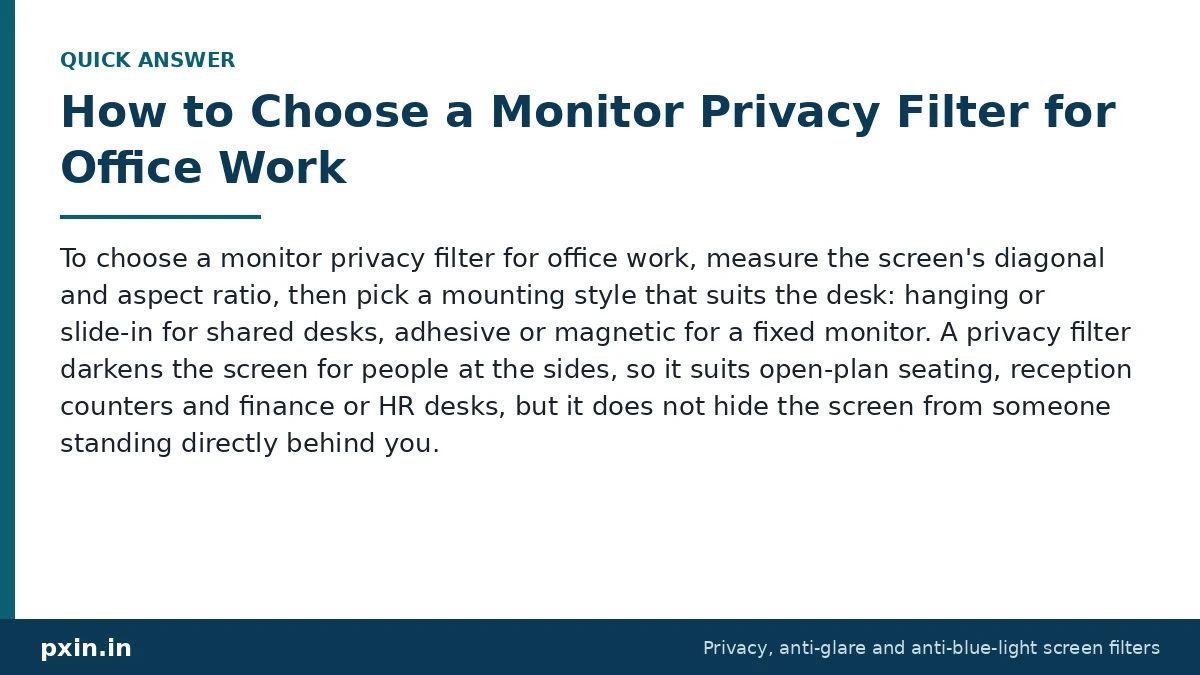
Will a privacy filter work on a 24 inch monitor in an open office?
Yes, and this is where monitor filters are most useful. A privacy filter uses micro-louvers, thin vertical slats inside the film, that keep the screen clear from the front and dark from beyond roughly 30 degrees on each side. Colleagues at the next desk or people walking along an aisle see a dark screen.
This matters more than many teams think. In a 2015 study by the Ponemon Institute in US offices, 88% of attempts to visually collect sensitive information succeeded, and 53% of the exposed information came from screens. For teams planning filters for several desks, our guide on choosing a monitor privacy filter for office work goes further.
One honest limitation: a privacy filter makes the screen look dimmer from the front, and the person standing directly behind your chair can still see it. Monitors usually have enough brightness to make up for the dimming, but a filter is one layer of protection, not a replacement for locking your screen when you step away.
Watch: Monitor Privacy Screen Guard - India's #1 | Pxin.in | Anti-Glare + Anti UV & Anti Blue light
https://www.youtube.com/watch?v=qVUGWVnbagM
Developer: paste this YouTube link on its own line in WordPress so it shows as an embedded video. Video by KK World.
Frequently asked questions
What size privacy screen do I need for a 24 inch monitor?
Check whether your monitor is 23.8 inch or 24 inch and whether it is 16:9 or 16:10. Measure the lit area: about 527 x 296 mm is 23.8 inch 16:9, about 531 x 299 mm is 24 inch 16:9, and about 517 x 323 mm is 24 inch 16:10.
Is a 24 inch monitor actually 23.8 inches?
Very often, yes. Many monitors marketed as 24 inch have a 23.8 inch viewable diagonal. The specification sheet or box usually states the exact size.
Will a 24 inch privacy filter fit a 23.8 inch monitor?
The two are only a few millimetres apart, but a filter that is slightly too large may not sit neatly inside the bezel. Compare the product page dimensions with your measured active area and pick the closest match without going over.
How do I know if my monitor is 16:9 or 16:10?
Check the recommended resolution in your display settings. 1920 x 1080 or 2560 x 1440 is 16:9, and 1920 x 1200 is 16:10. You can also divide the measured width by the height.
Do monitor privacy filters work on curved monitors?
Curved monitors need filters made for curved screens, because a flat filter will not follow the curve. Measure carefully and check the curved range or ask us before ordering.
Find the right filter
When you have your diagonal, aspect ratio and measurements, browse our monitor privacy screen guard range and choose the 24 inch or 23.8 inch filter that matches your screen. Pick the mounting style that fits how often you need to share your screen.